
6/27/2026 Admin
BlazorDX: Fastest Blazor Controls Ever
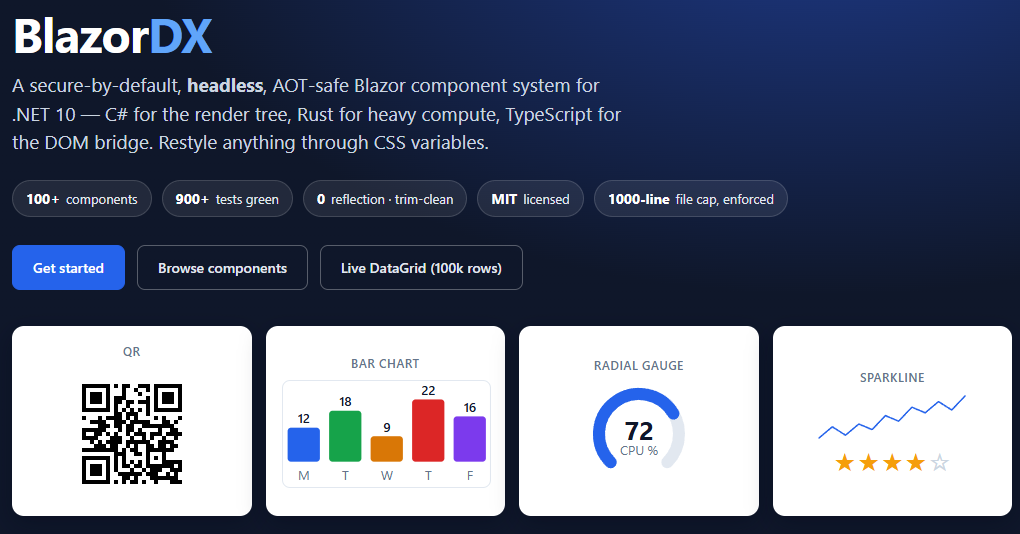
I came across a new open-source Blazor component library called BlazorDX:
https://github.com/logixrcorp/BlazorDX
What caught my attention is the angle it takes. It isn’t a productivity skin over Bootstrap — it’s a secure-by-default, headless, AOT-safe component system for .NET 10. It has zero runtime reflection (grid and JSON binding come from C# source generators), it survives full IL trimming, and the heavy work — sorting, filtering, aggregating — runs in a Rust → WASM kernel. That is where the “fastest controls ever” claim comes from: the DataGrid demo renders 100,000 rows, virtualized to the viewport, with the Rust module doing the math.
It ships around 100+ components and it’s MIT licensed.
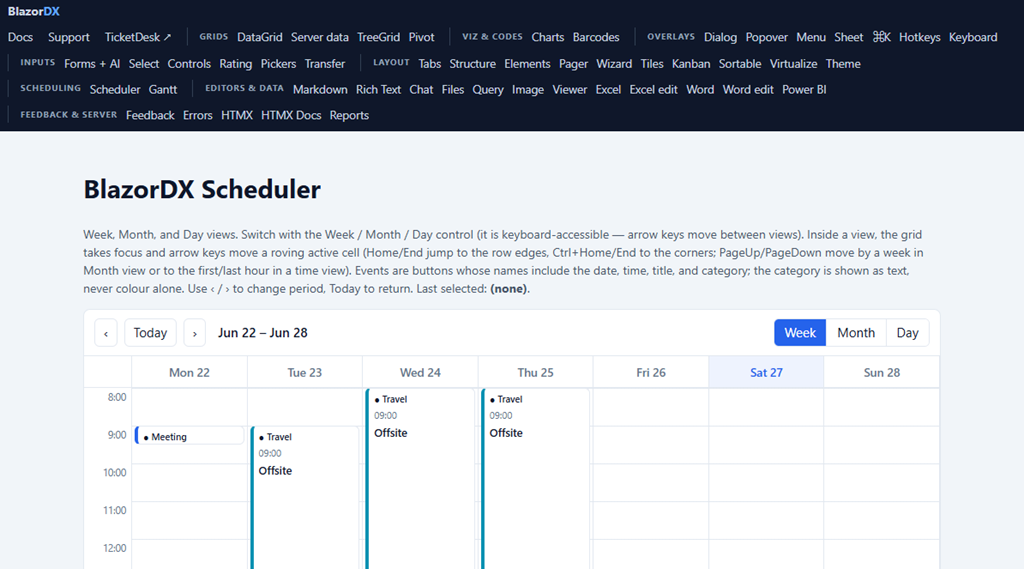
The project has excellent documentation and a live demo of every component:
These days good documentation is all you need to supply your AI with the information it needs to leverage any library or tool.
(One note in fairness: BlazorDX is currently a beta and the authors say it’s for evaluation, not production yet. That’s exactly what I’m doing here — evaluating it on a real app.)
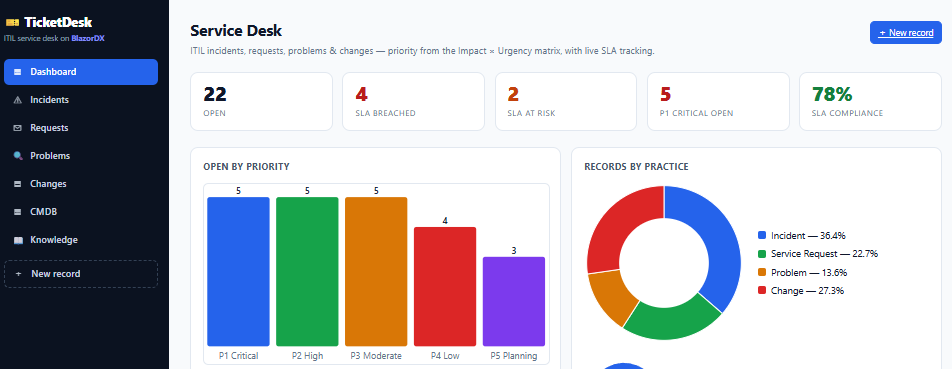
The point of all this is that their controls are faaaaaaaaaaaaaast! I mean Blazing-Fast.
See this sample: https://blazordx.com/app
Blazor SMTP Forwarder
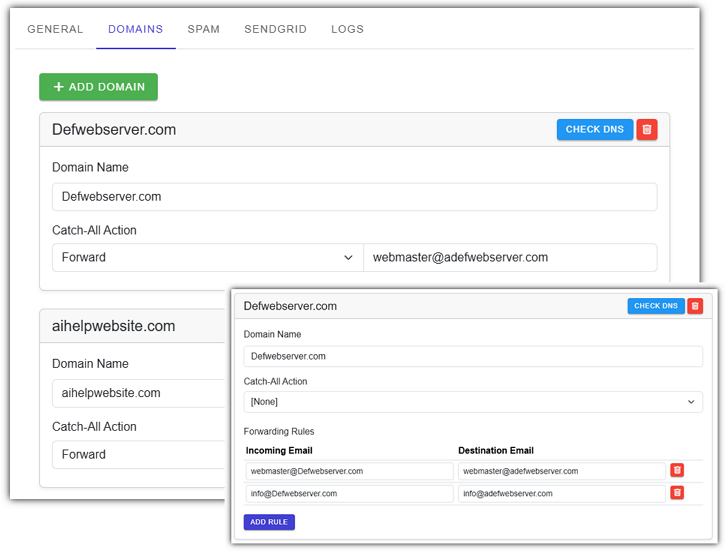
I decided to update one of my existing applications — the Blazor SMTP Forwarder — to use BlazorDX for all of its controls:
https://github.com/ADefWebserver/BlazorSMTPForwarder
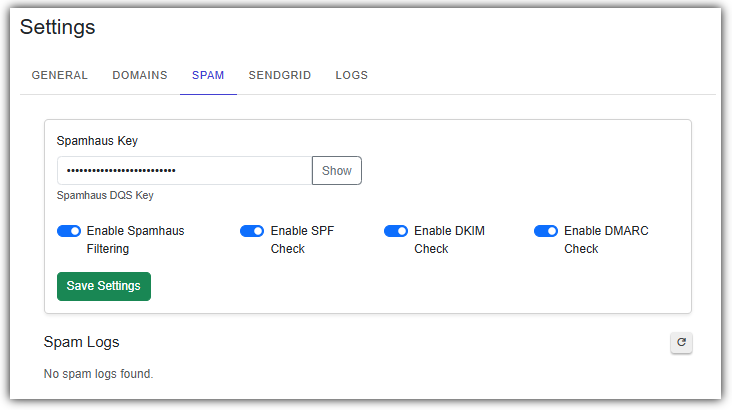
This app has a Blazor web admin with a dashboard, a domain/forwarding rules editor, an inbox viewer, and a log viewer — so it has plenty of buttons, inputs, dialogs, and tables to swap over. The inbox and log viewers in particular are a perfect fit for the virtualized, Rust-backed DxDataGrid.
Even though I like to use Visual Studio for writing and debugging my code, I find that Visual Studio Code is much better when writing code with AI.
So, I open it in there.
This is where I will create my AI code. I will use Visual Studio for running and debugging the app.
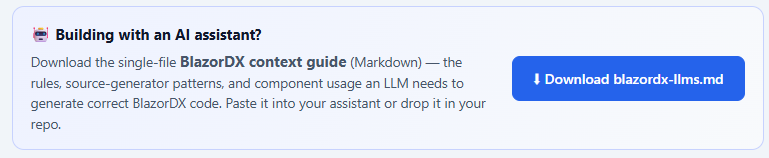
First step is add their AI Instructions file to the app. You get it from: https://blazordx.com/docs
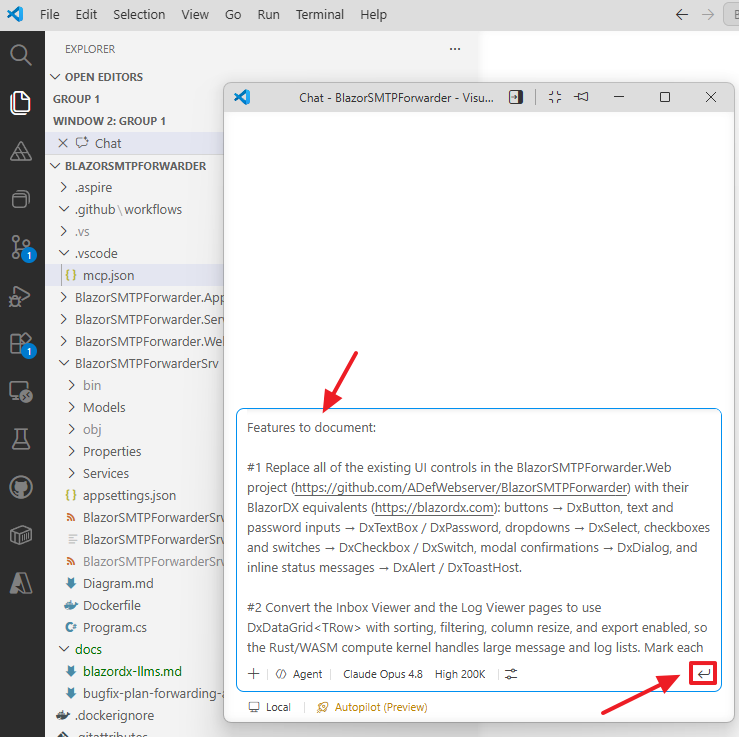
In Visual Studio Code I open a new Chat Window.
I always use a template like the following to first create an .md file, and after editing it, then instruct the AI to write code:
Task: Create a Markdown file and save it in the docs/ directory. The file should contain a detailed, structured plan for implementing the following features (I will list them after this instruction).
Requirements:
Use clear section headings.
Include Mermaid diagrams to illustrate both system structure and process flows. Do not put \n inside Mermaid node labels — VS Code’s Mermaid renderer doesn’t support that. With edge labels like “1. User clicks AI” — Mermaid’s renderer interprets 1. as a markdown numbered list inside the label.
Provide enough detail that a developer could begin implementing the features based on this document alone.
Use Markdown formatting throughout.
Do not include any file‑system commands; simply output the Markdown content.
Output Format: Return only the contents of the .md file, starting with a top‑level # heading.
Features to document:
#1 Replace all of the existing UI controls in the BlazorSMTPForwarder.Web project (https://github.com/ADefWebserver/BlazorSMTPForwarder) with their BlazorDX equivalents (https://blazordx.com): buttons → DxButton, text and password inputs → DxTextBox / DxPassword, dropdowns → DxSelect, checkboxes and switches → DxCheckbox / DxSwitch, modal confirmations → DxDialog, and inline status messages → DxAlert / DxToastHost.
#2 Convert the Inbox Viewer and the Log Viewer pages to use DxDataGrid<TRow> with sorting, filtering, column resize, and export enabled, so the Rust/WASM compute kernel handles large message and log lists. Mark each row model with the [GridRow] attribute so the source generator emits the reflection-free accessor.
#3 Register the BlazorDX services and styles per the docs (https://blazordx.com): call AddBlazorDXInterop() and register the ToastService in Program.cs of BOTH the server host and the client, and link dx-theme.css plus the per-component CSS in the host page so prerendering works. See docs/blazordx-llms.md for instructions
#4 Keep everything AOT-safe and zero-reflection — do not introduce any reflection-based binding — and do not change the SMTP forwarding, SendGrid, or Azure Storage logic. This is a UI-layer update only.
The .md file will be created.
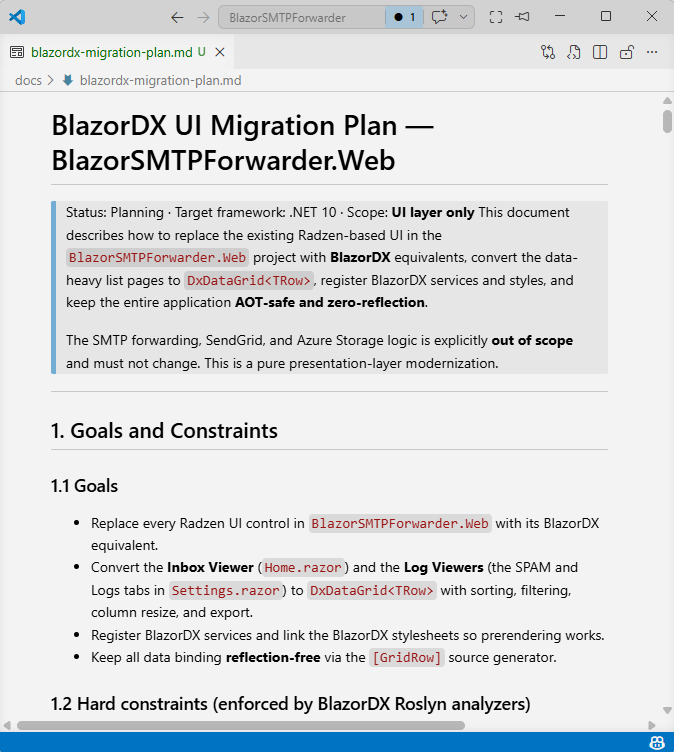
I review the .md file and make changes as needed.
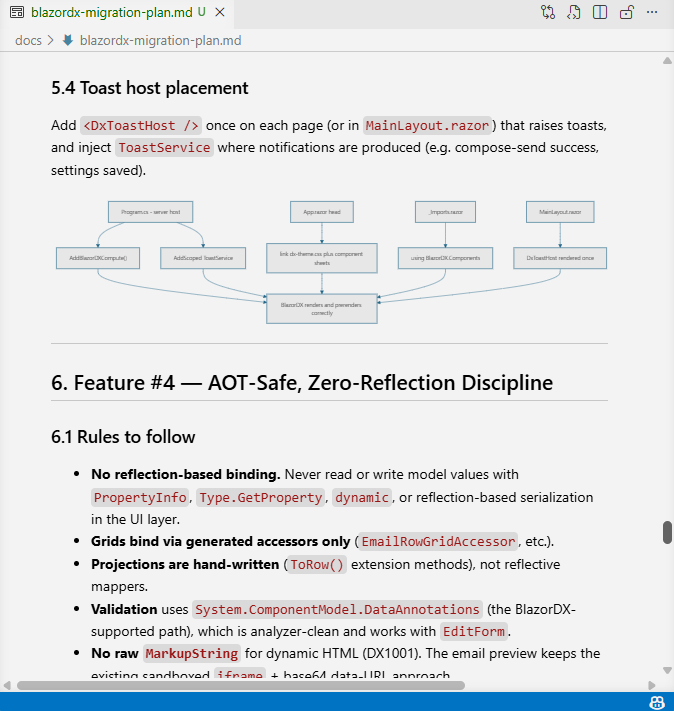
The reason I use my template is that it creates mermaid diagrams that I find really helpful to understand the code about to be written. In this case the diagrams map every page in the admin to the BlazorDX components it will use, which made it easy to spot anything I’d missed before a single line of code was written.

When I’m satisfied I return to the chat window and tell it to execute the plan.
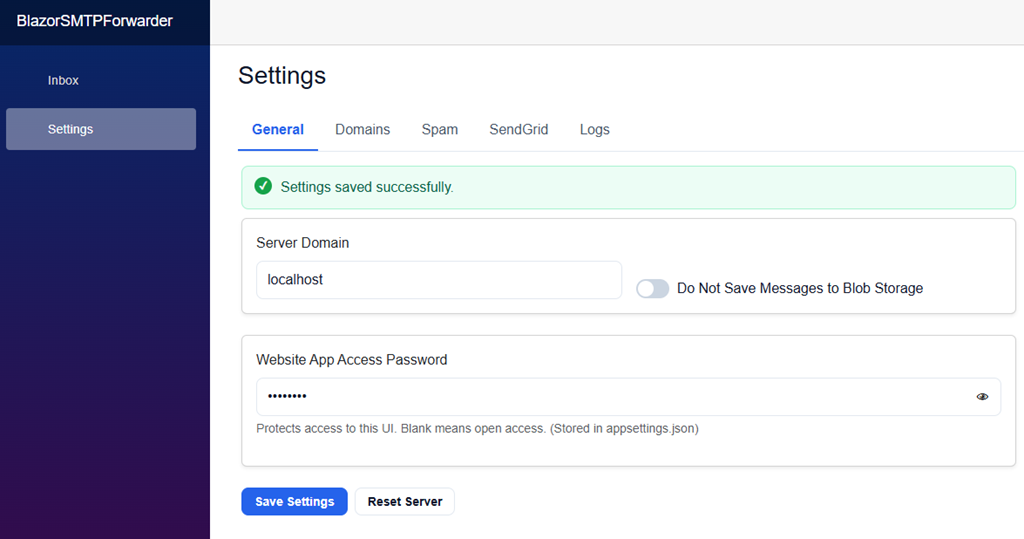
The controls were swapped out across the whole admin, and the app runs exactly as before, except now all the controls are faster and more responsive.